Supercharge your Ichizu smart assistant. Choose your AI provider below and follow the simple steps to connect your personal API key.
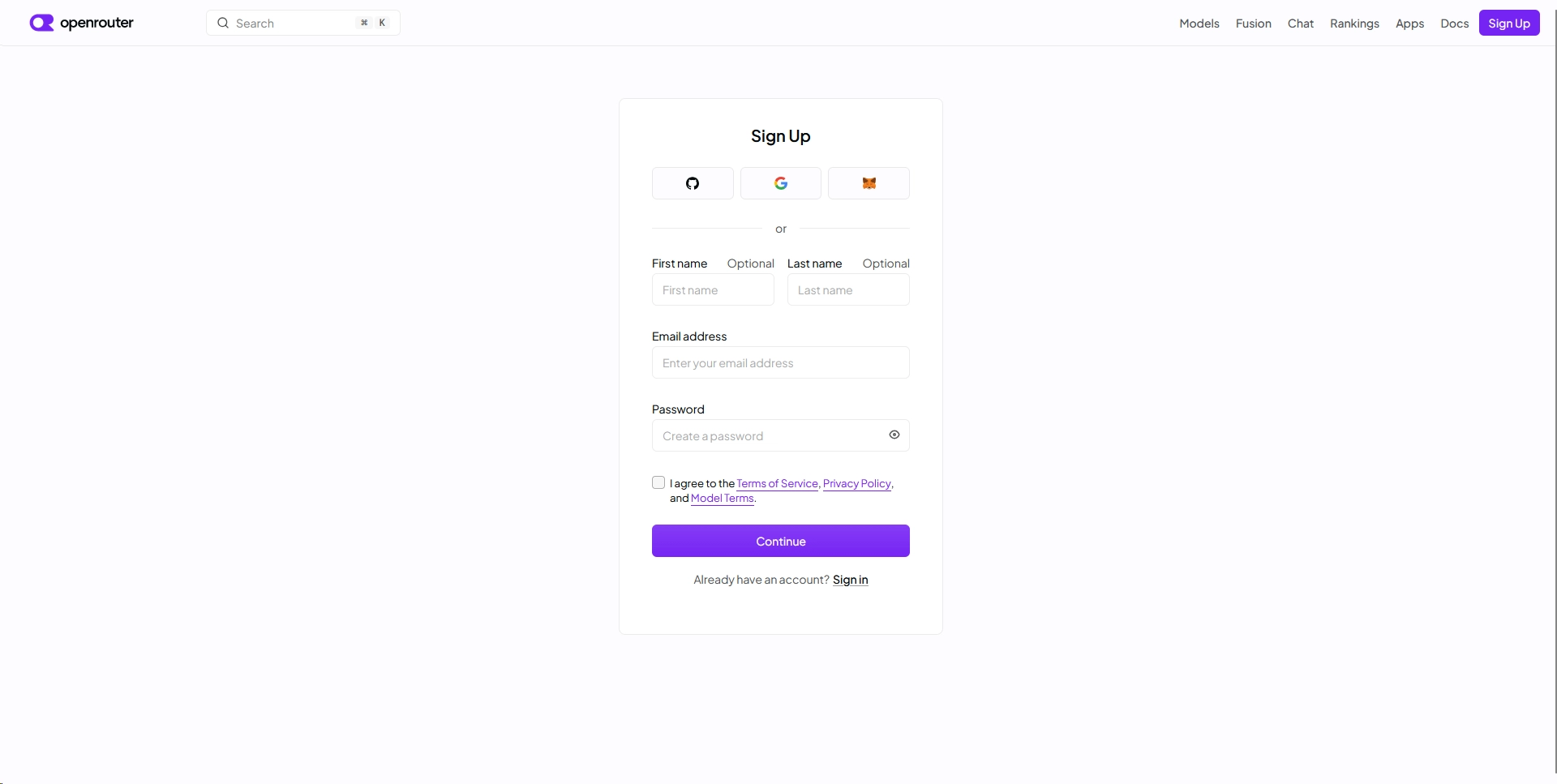
Get started by creating a free account at OpenRouter. This service acts as a single gateway giving you access to hundreds of AI models.
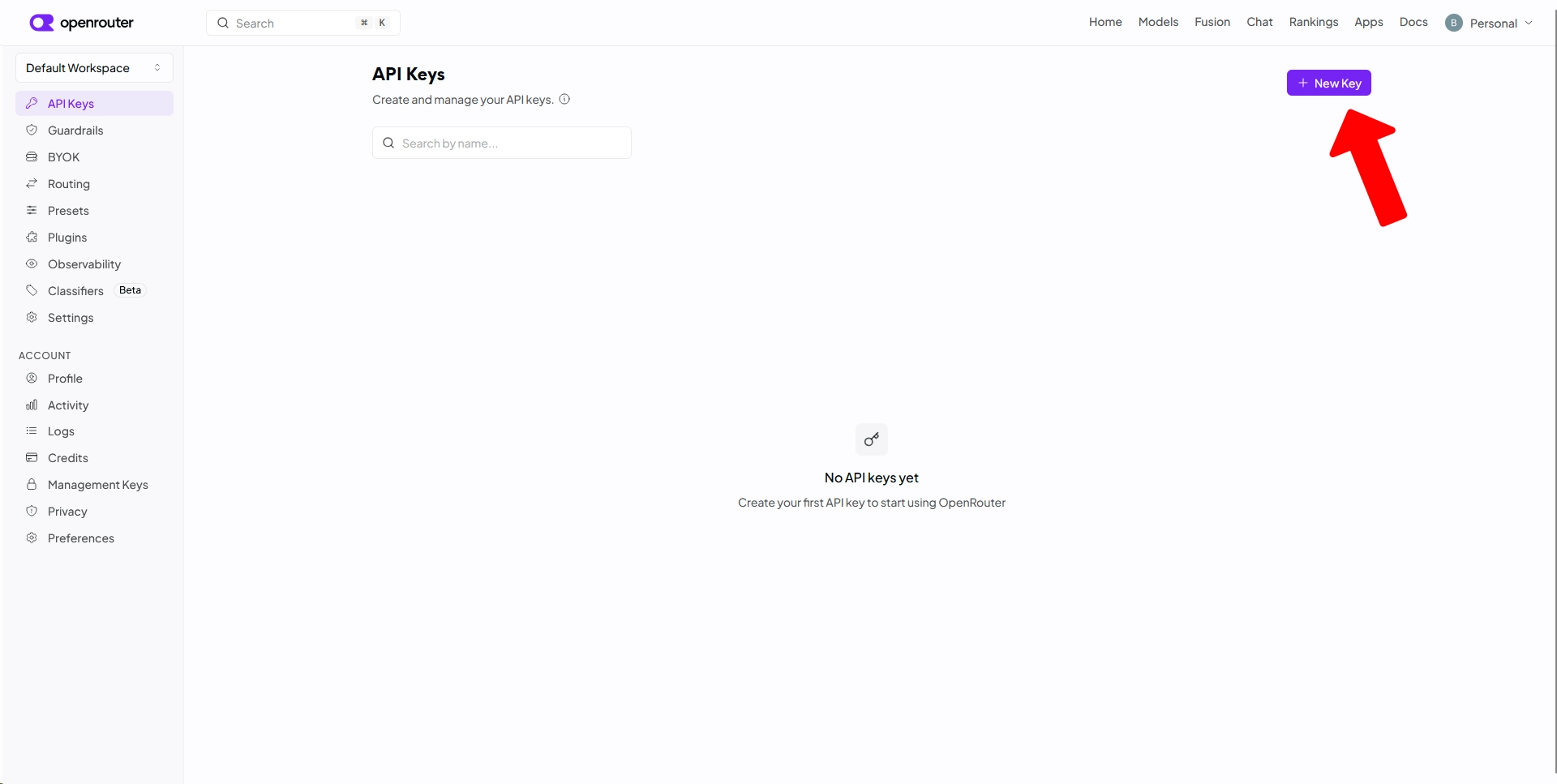
Inside the OpenRouter navigate to Home > API Keys and click on the "+ New Key" button.
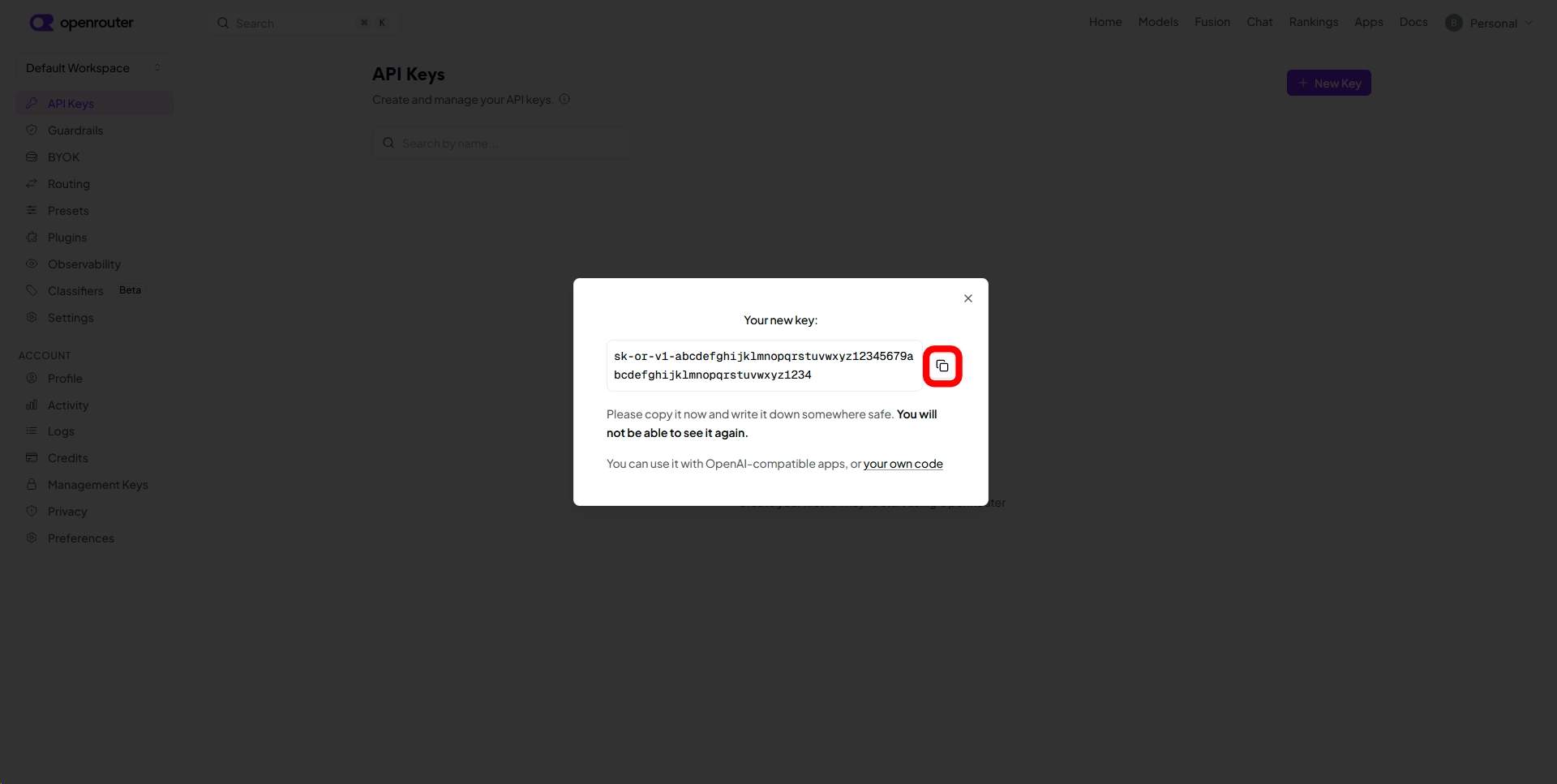
Give your key a name, complete the generation, and copy the key string. Warning: Keep it safe! The full key will only be shown once.
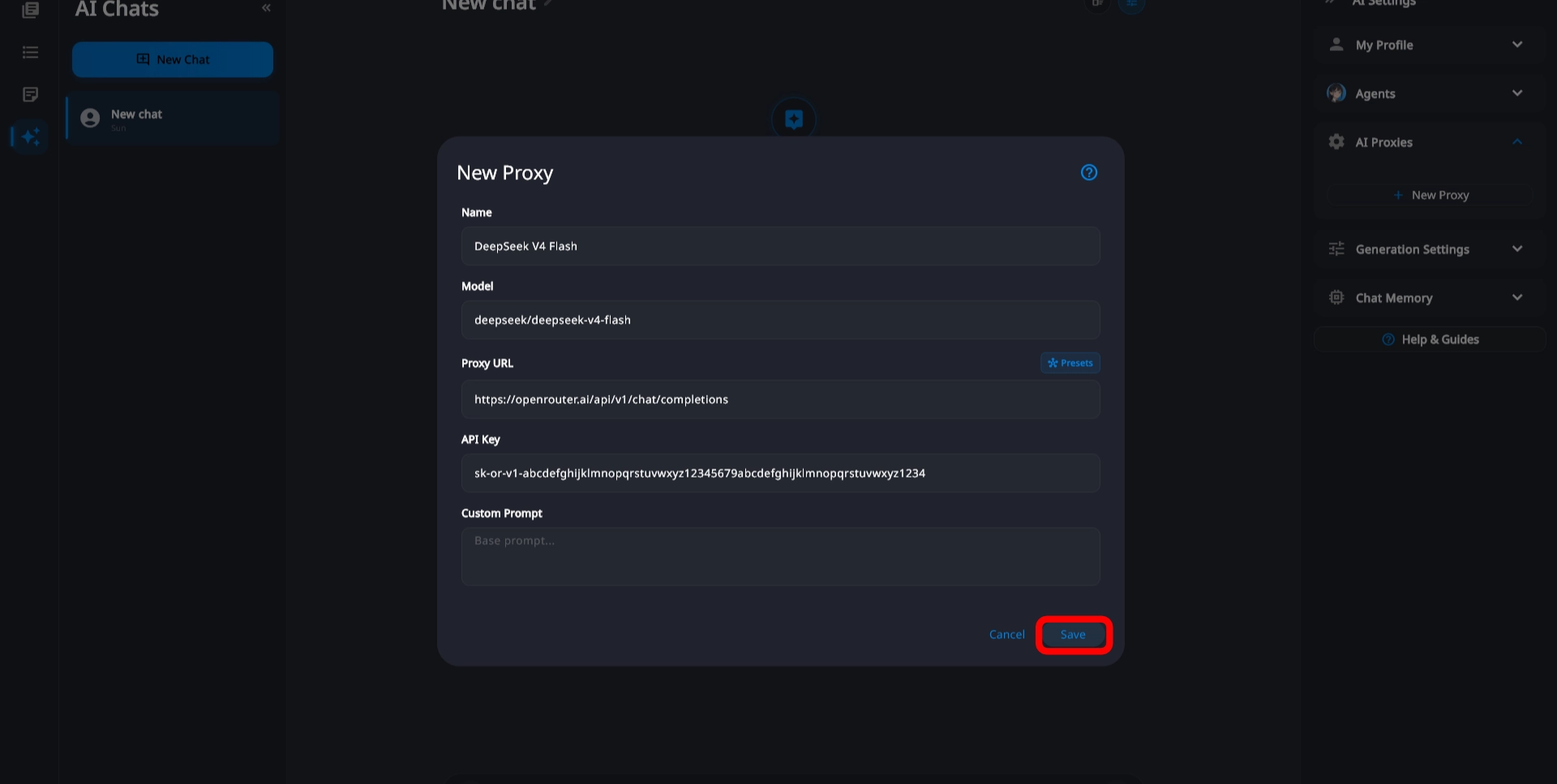
Open Ichizu, access the AI settings menu, and paste the API key you copied into the "API Key" field.
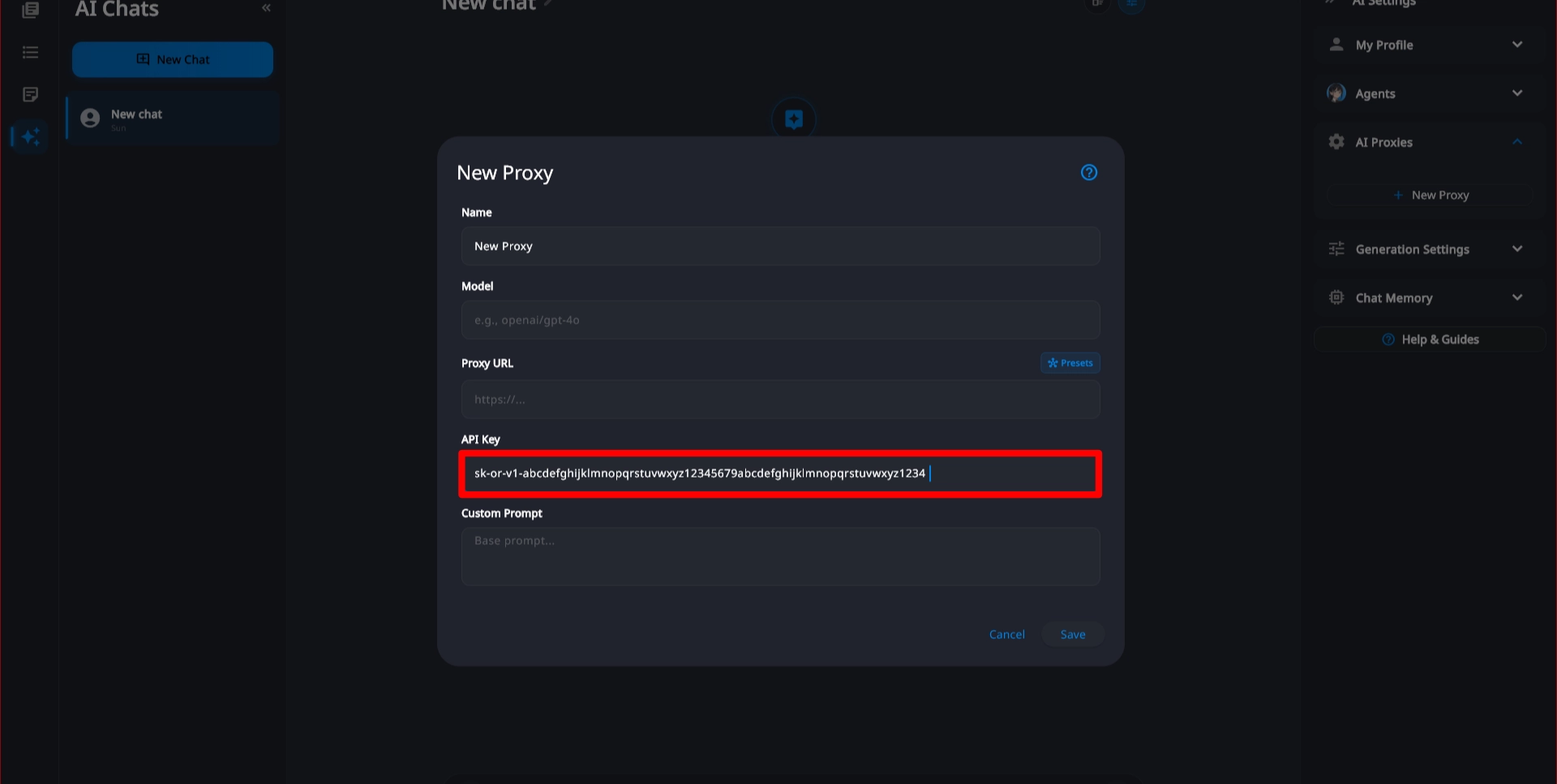
To fill in the correct Proxy URL automatically without manual typing, click the "Presets" button next to the proxy field.
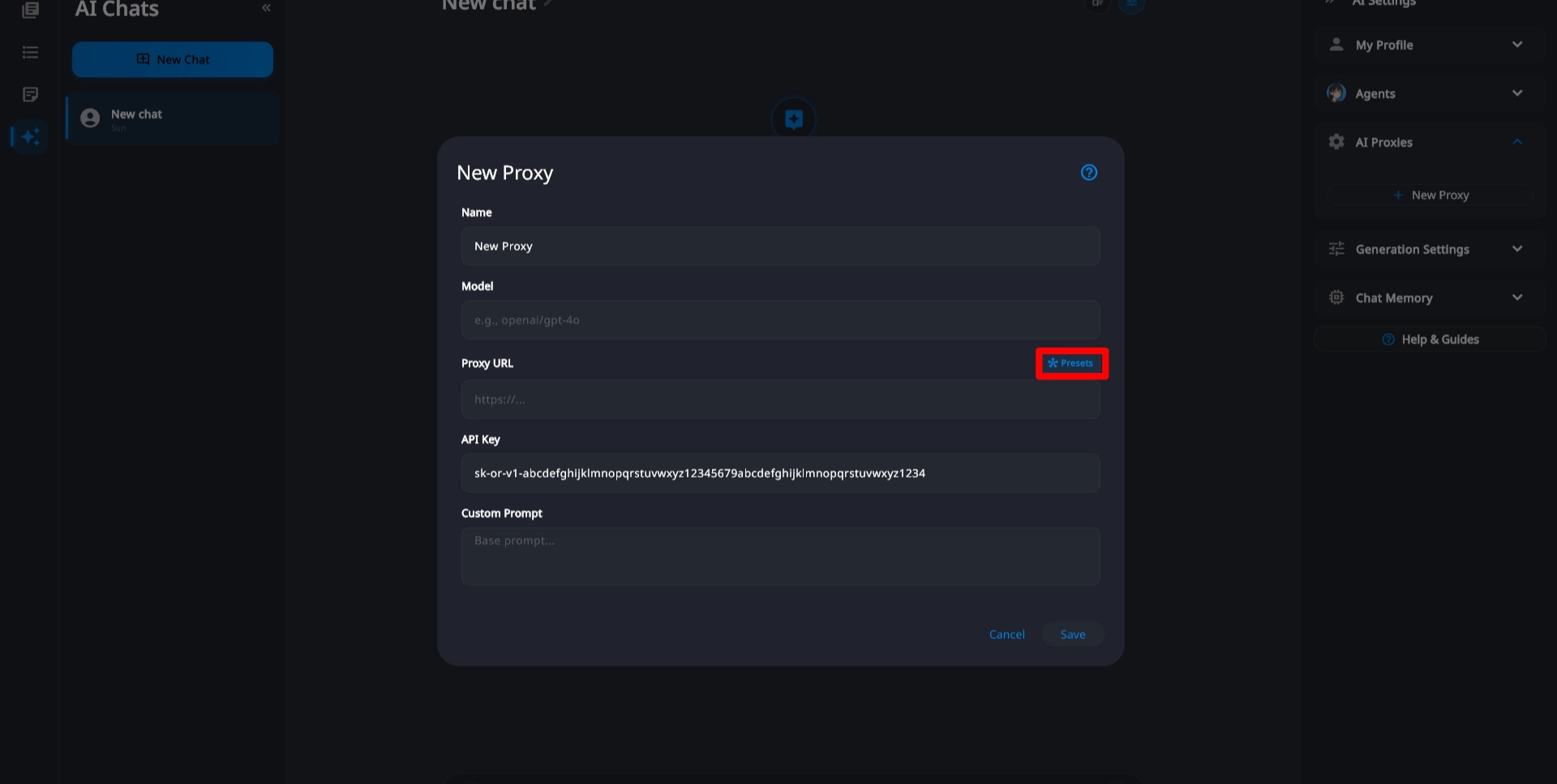
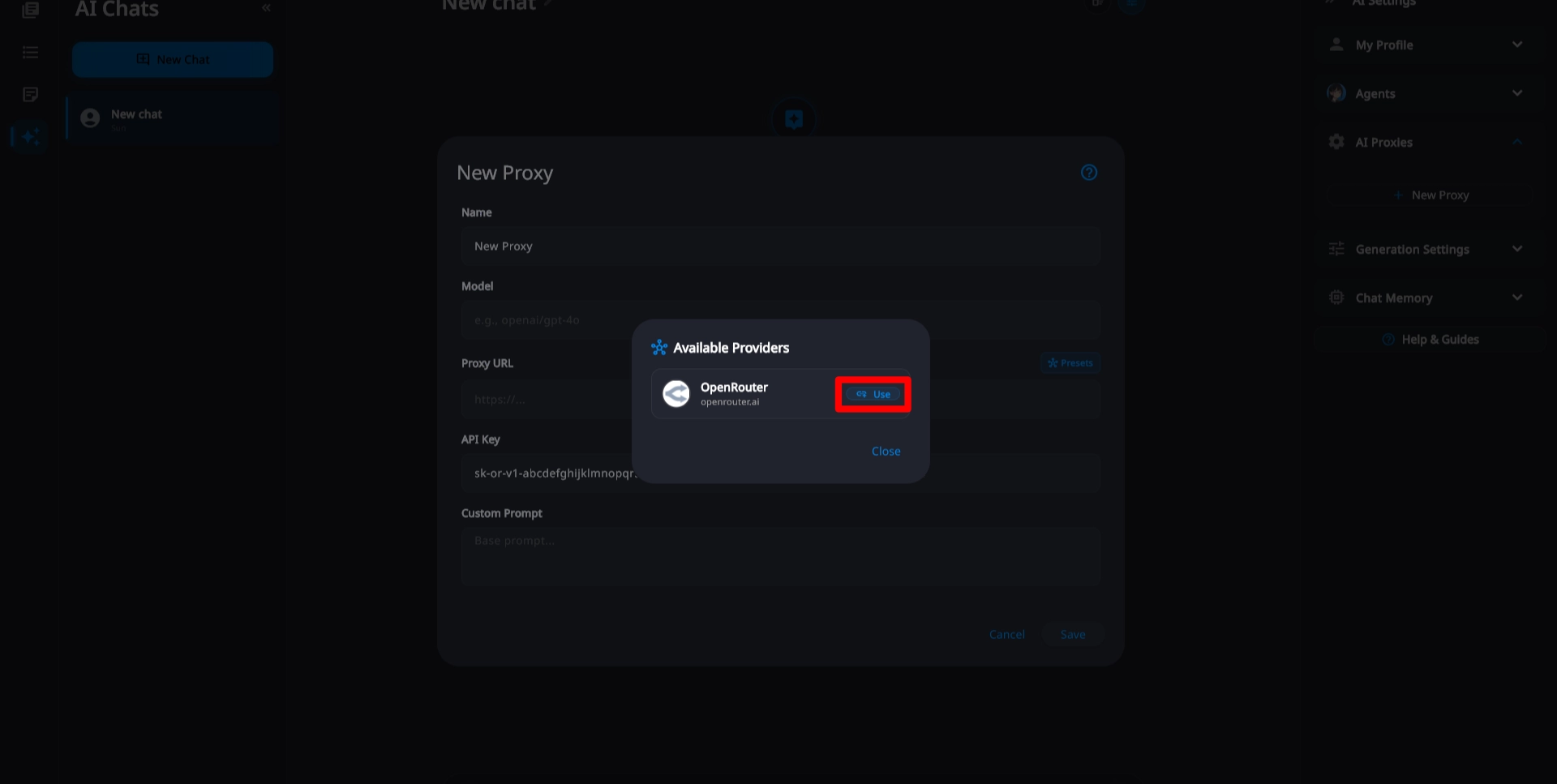
Click at "use" on "OpenRouter" from the preset menu. This will instantly fill in the API base address.
Visit the Models tab on the OpenRouter website to inspect available models. We recommend low-cost, low-latency models for snappy assistant chats.
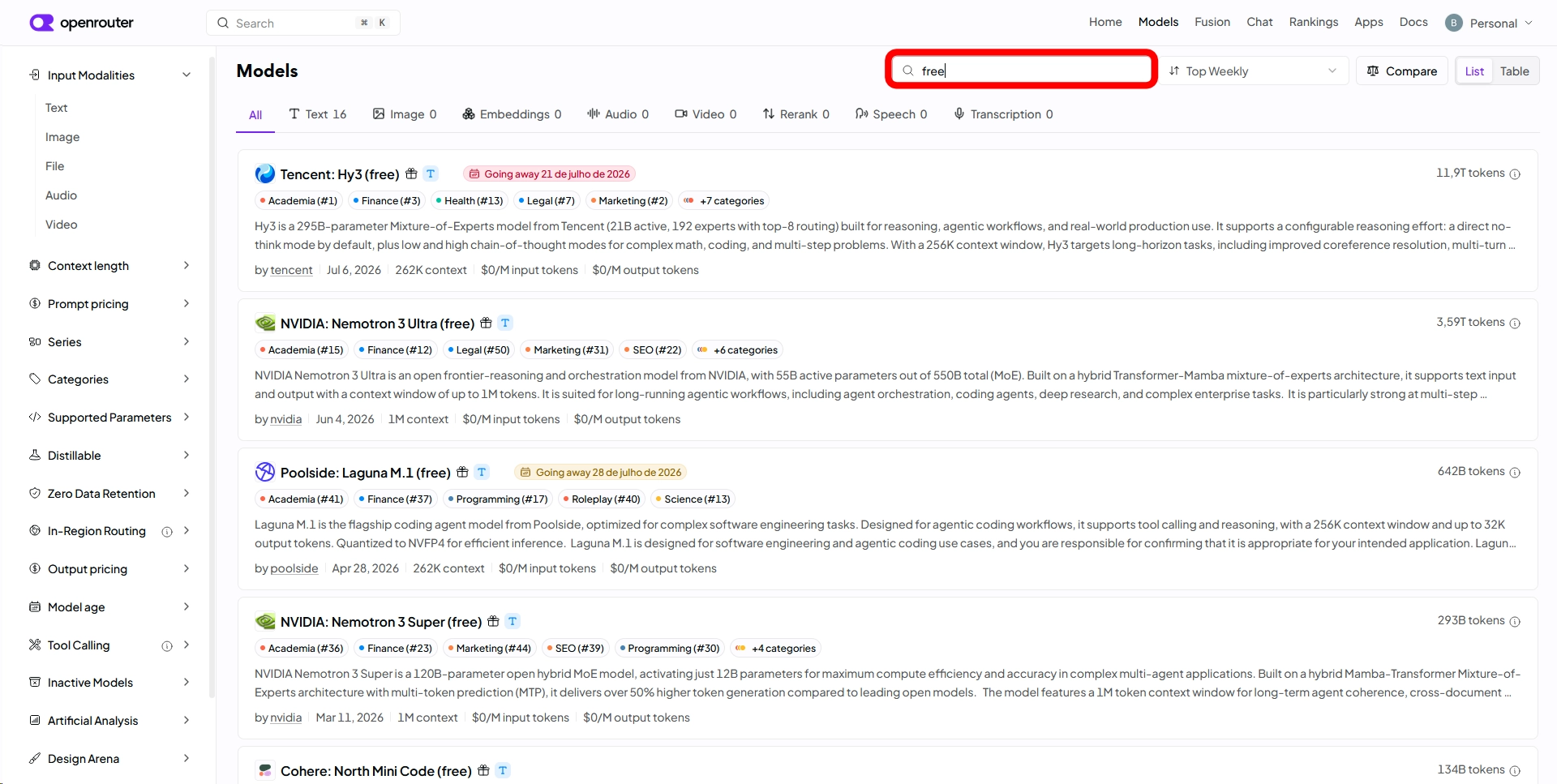
Find the model you wish to use on OpenRouter and copy its unique model ID string (or copy one of our recommended IDs from the step above).
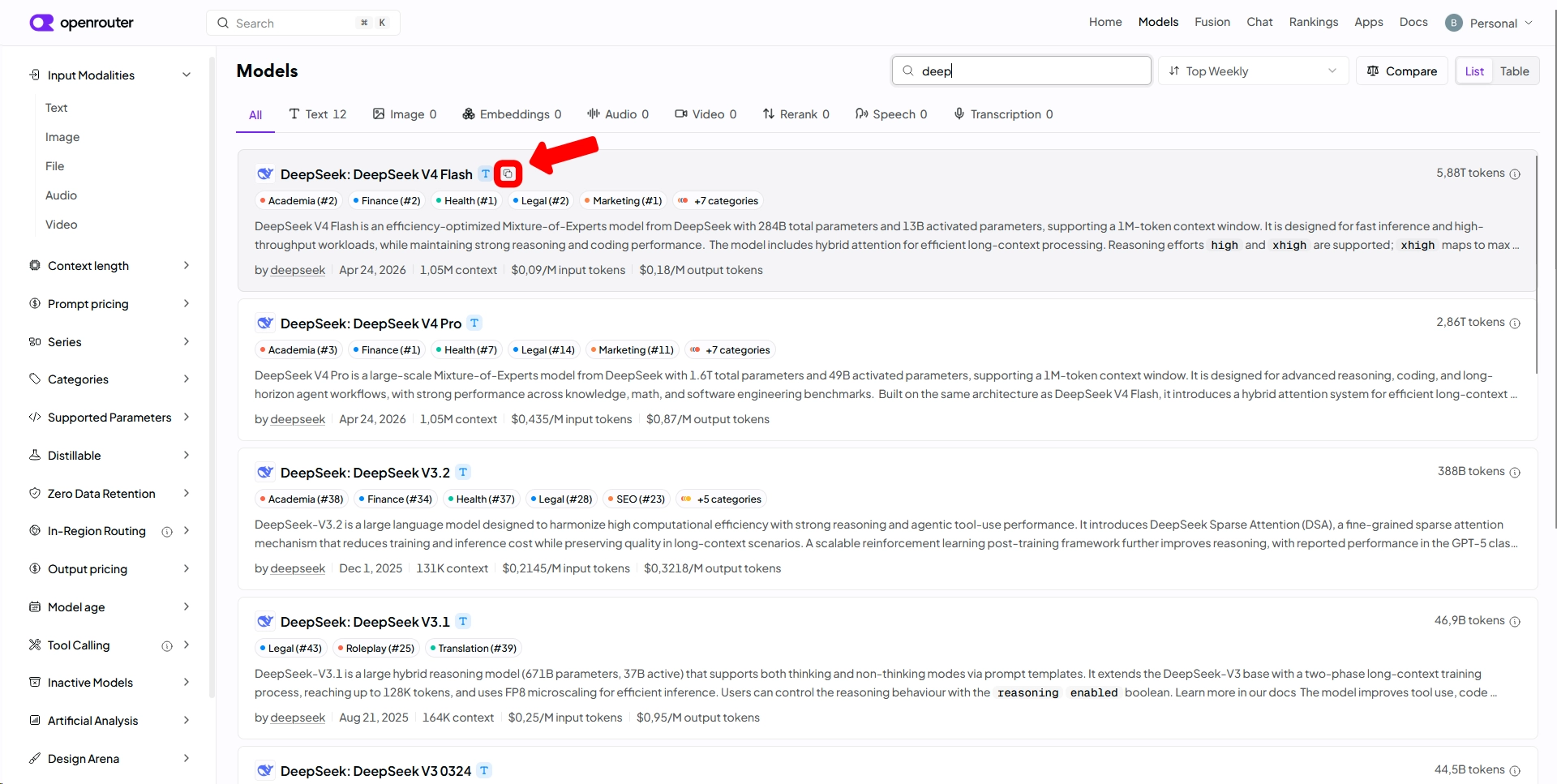
Paste the model ID you copied into the "Model" input field inside Ichizu.
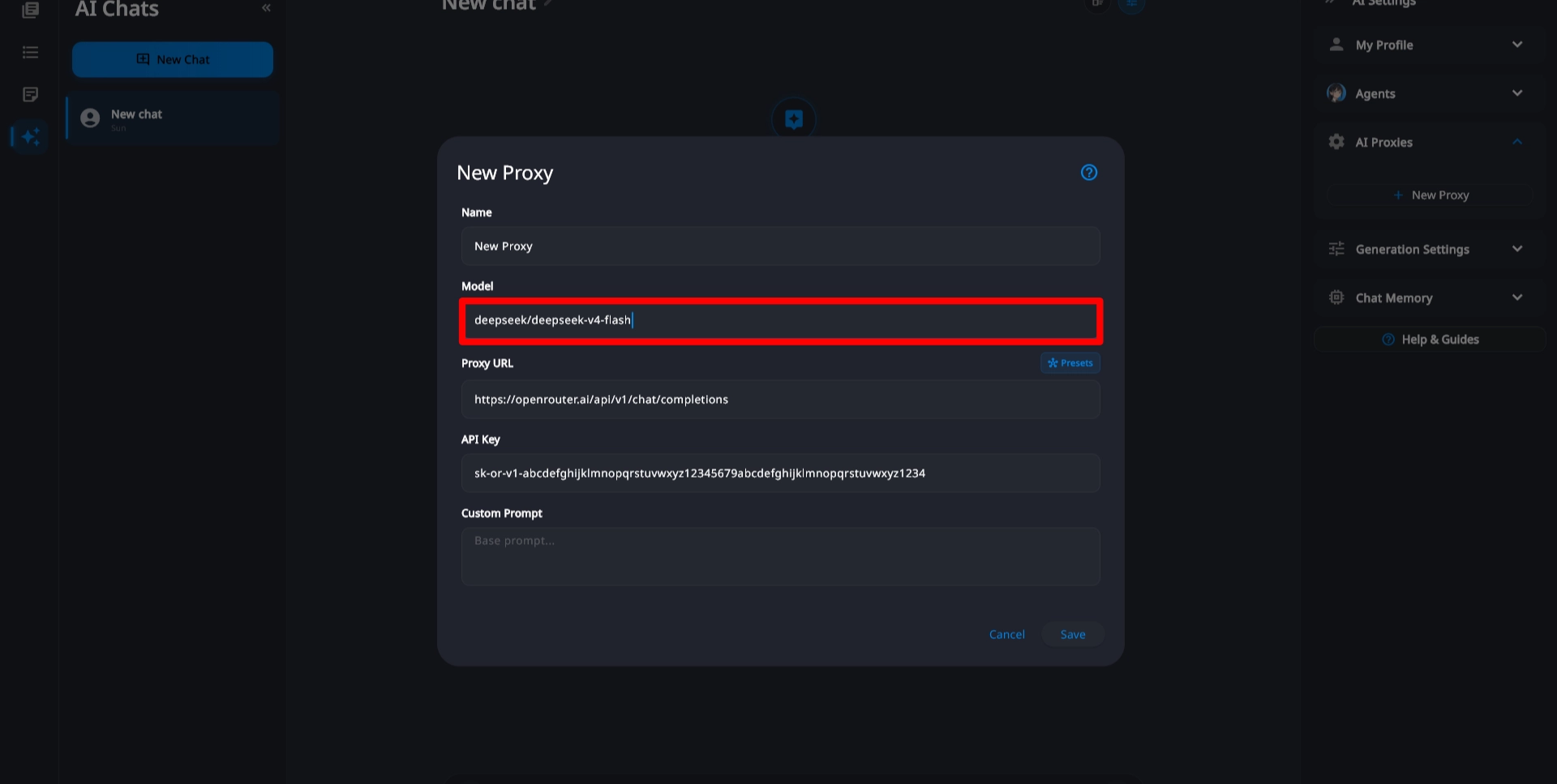
Giving your preset an easy-to-identify name is always a good idea.
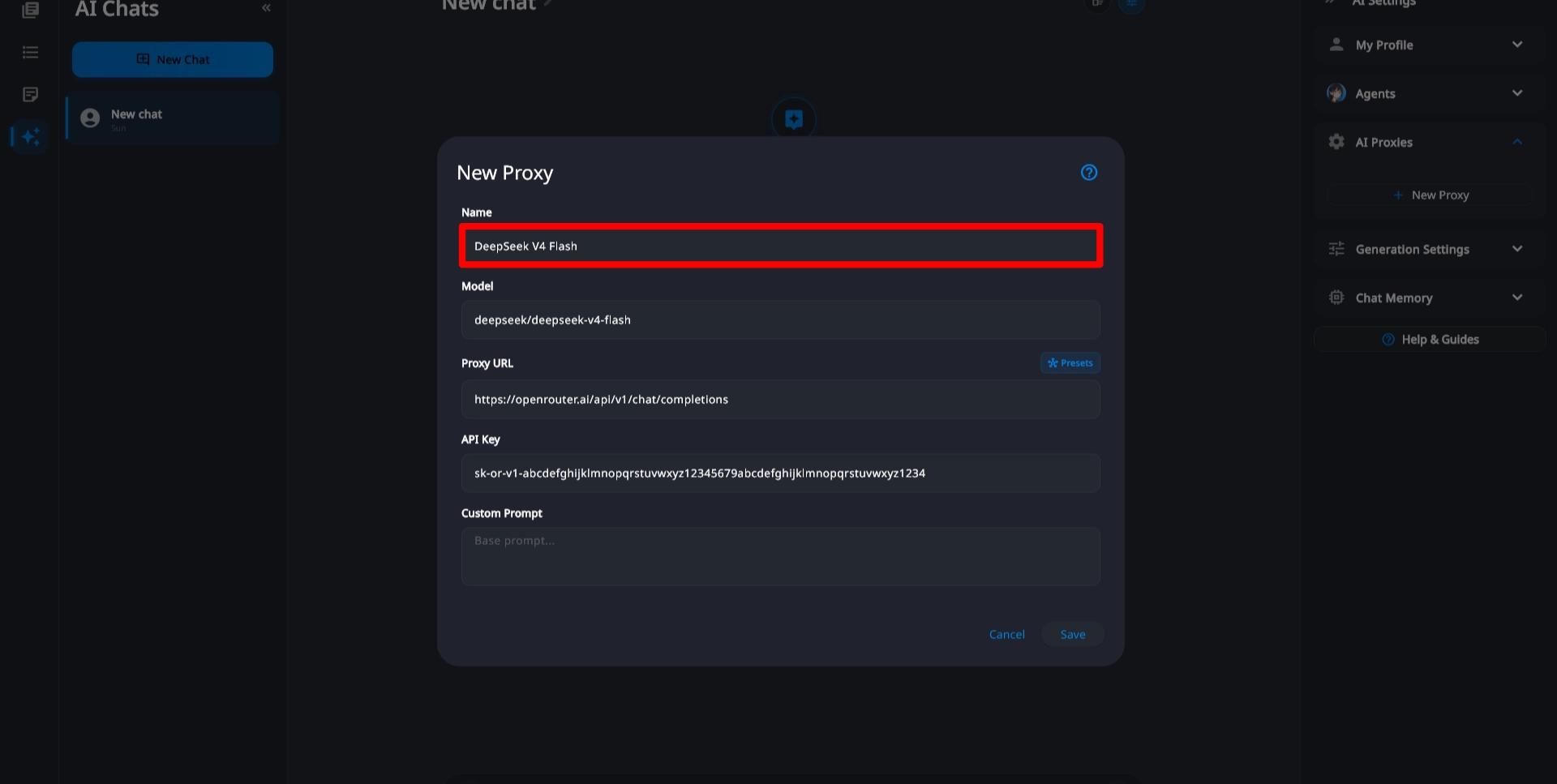
Click the "Save" button to store all of your configurations locally. You are now ready to chat and interact with the AI assistant!